SereneDB Team
Dec 30, 2025 · 5 minutes read
SereneUI: One Interface for Your Analytics Data Workflow
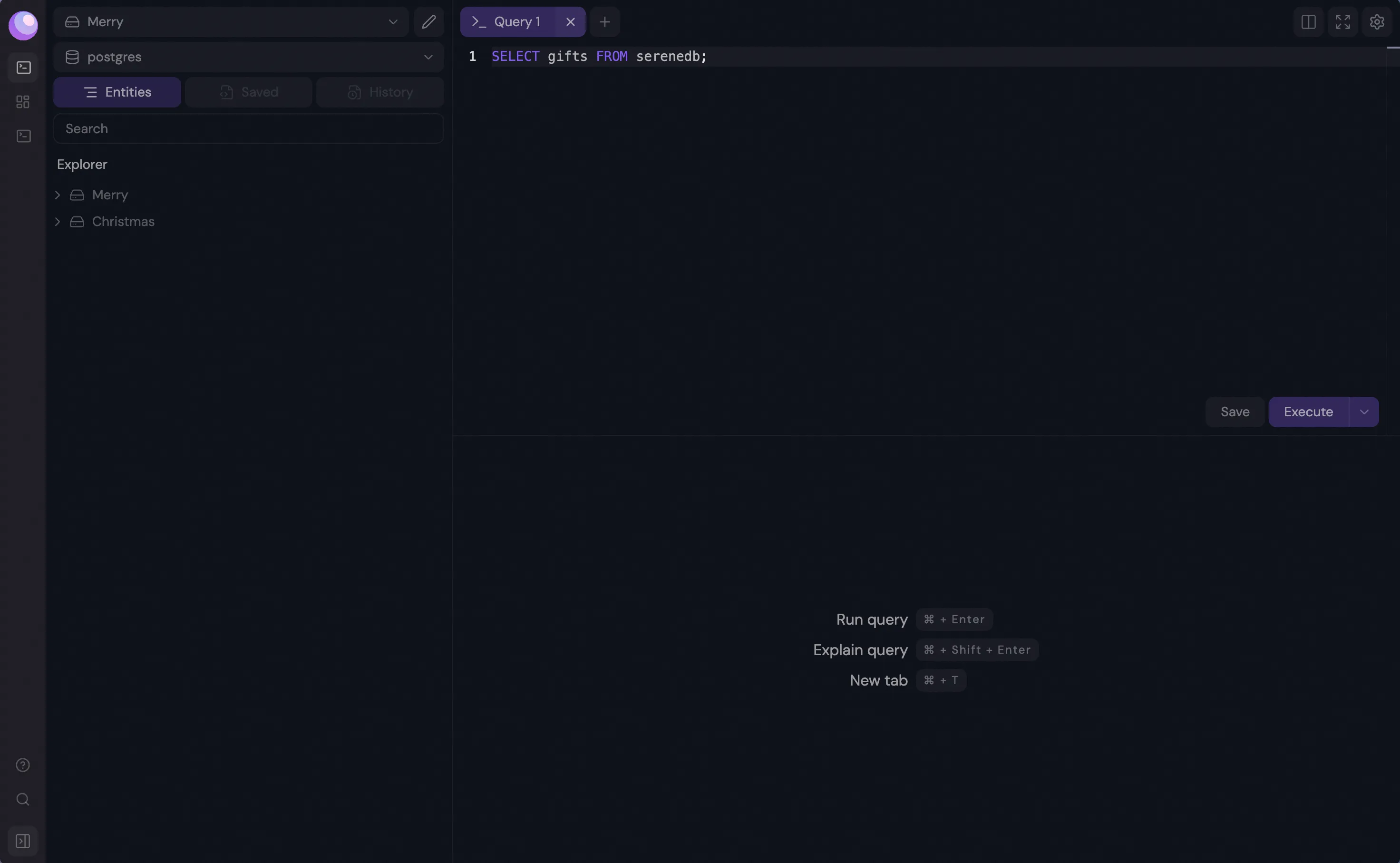
Today we're introducing SereneUI — a database client built for SereneDB and compatible with PostgreSQL
SereneUI: One Interface for Your Analytics Data Workflow
Today we're introducing SereneUI — a database client built for SereneDB and compatible with PostgreSQL.
Why we build SereneDB
Over the years working with data we discovered that one can’t rely on it being static. In fact it is constantly changing and you need to filter data on complex criteria, run analytical computations and make decisions – all while your data landscape shifts beneath you.
We started SereneDB for exactly this: navigating a constantly changing haystack to find the needles that matter, then drawing actionable insights from what you uncover.
Our vision is to make SereneDB great as a standalone analytics solution but at the same time work well alongside your transactional system, with data synchronized for seamless value extraction. And because SereneDB is PostgreSQL-compatible, you use the query language you already know.
Why SereneUI exists
SereneUI takes that accessibility further.
If you're working with both PostgreSQL and SereneDB, you shouldn't need separate tools. SereneUI lets you connect to both databases, write and test queries, and manage your environments. All from a single window.
The idea is that you won’t have to switch context or juggle interfaces but have one workspace for your transactional and analytical systems together.
For us this is just the beginning of the journey. Our vision is to support other SQL and OLTP databases over time, making SereneUI a unified workspace for your entire data stack.
Built for the OLTP-to-Analytics workflow
SereneUI is purpose-built to support the relationship between your transactional and analytical systems:
- Migrate data from PostgreSQL into SereneDB
- Synchronize databases to keep your data flowing from OLTP to search-analytics seamlessly
- Access SereneDB-specific features that generic clients don't surface
Support for migrating from other databases is something that is also on the horizon.
Designed for productivity
SereneUI is a console-first client. It's optimized for writing queries and working with results and every action is accessible with minimal clicks or a keyboard shortcut. We grouped related functionality together and eliminated the friction that slows you down in other tools.
Features
To make our approach a success, we checked out what productivity apps are out there and figured out what features would be good to bring into SereneUI. This exploration led to the following implementation:
-
Connection-independent workflow
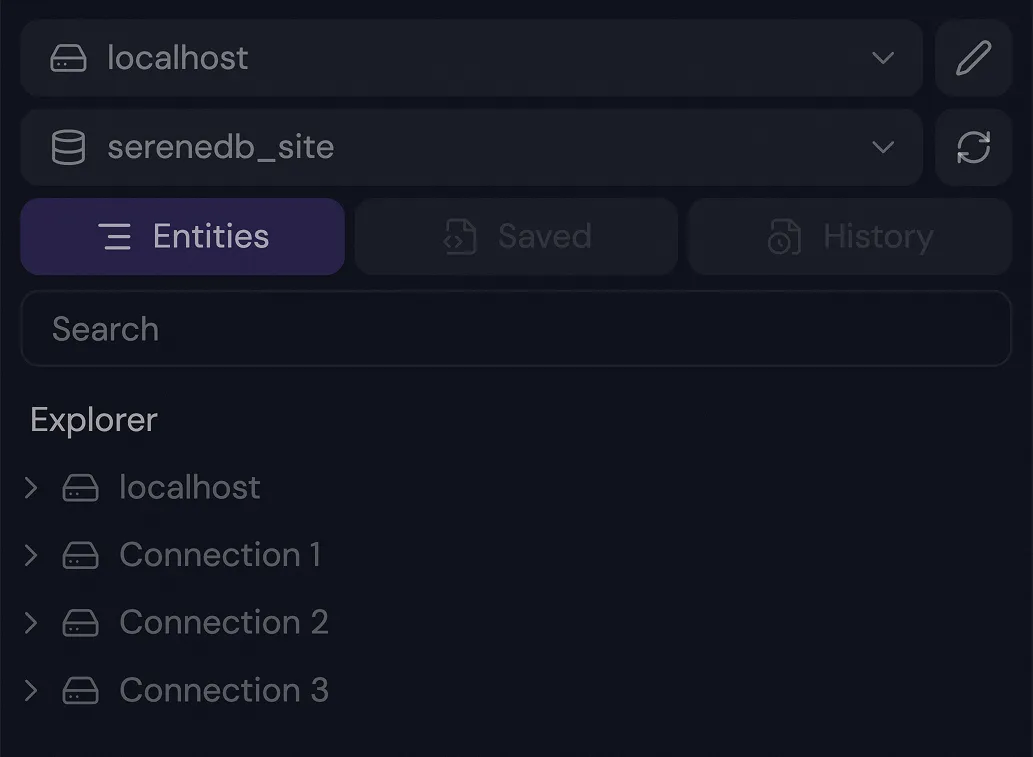
For maximum efficiency, we put all connections and their databases in a single explorer tree, providing a constant overview and avoiding repeated reconnections or multiple windows. A dedicated connection selector lets you run queries on any connection or database from one query window.
-
Tab system
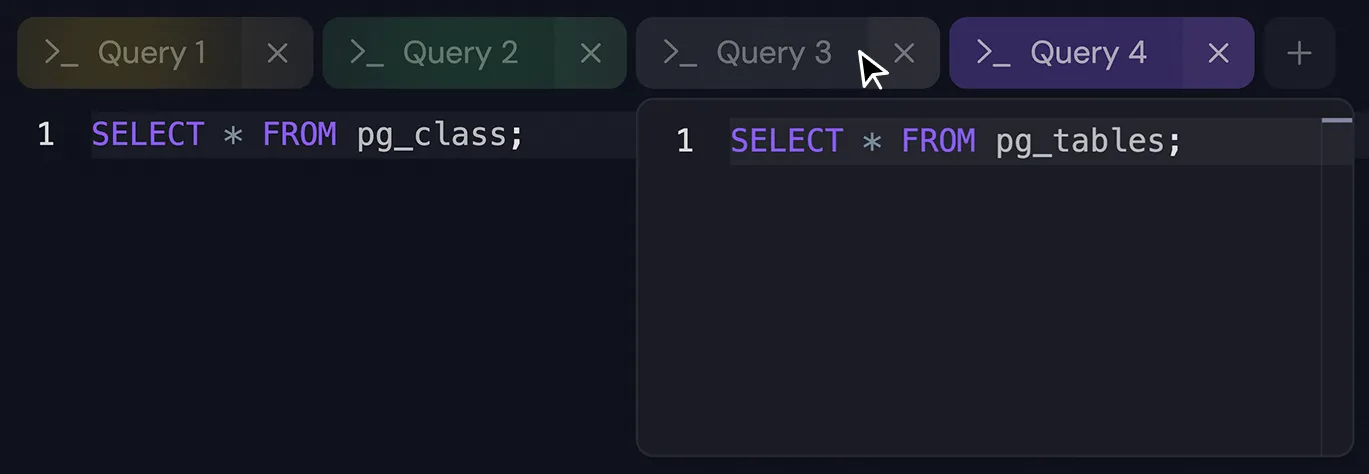
Tabs offer independent workspaces, each preserving its unique query and result history. You can run queries in the background while shifting focus to other tabs, with real-time system alerts and highlighting ensuring you stay up-to-date.
-
Command system
Pressing
Cmd/Ctrl + Jopens the commands finder, letting you navigate connections, databases, pages, and execute most of SereneUI’s functionality entirely from your keyboard. You can even submit issues to our GitHub repository without using a mouse or a touchpad.
-
Query history and saved queries with autocompletion
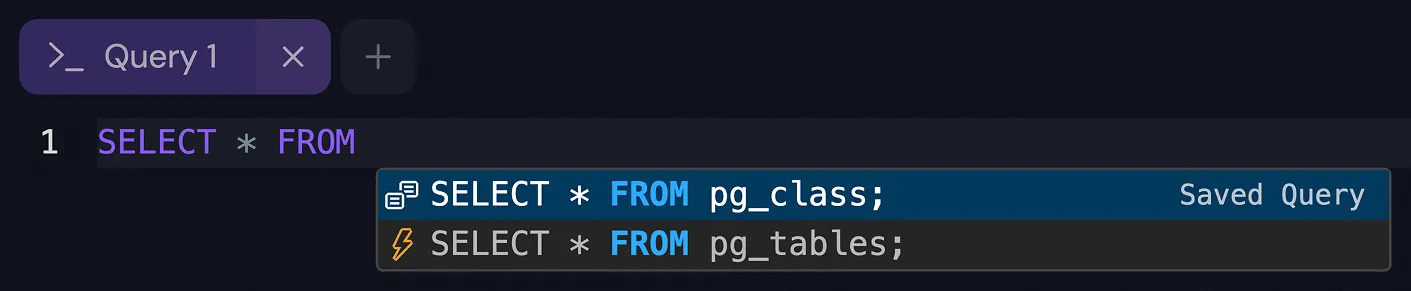
SereneUI enhances database interaction by integrating query history and saved queries into the editor's autocompletion, reducing repetitive query writing across different databases. It also supports bind variables that often come in handy.
-
Interactive results
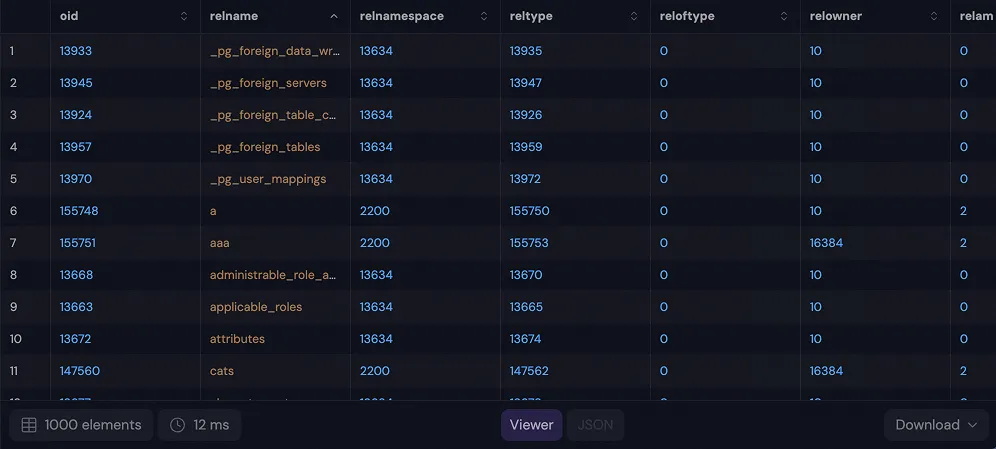
Query results are fully interactive. You can view them as tables or JSON, download or copy them as CSV, sort data, select values, and perform other common operations directly from the results panel.
Plans
-
Dashboard functionality
We really want to make sure you can see your information clearly! So, we're planning to introduce dashboard screens. These will have customizable graphs showing data based on the queries and timeframes you set up. Later on, you'll even be able to share these dashboards, which means you can host them yourself and easily share your data insights with anyone.
-
Tab system
Even though SereneUI is console-based, there are cases where a graphical interface is more convenient, for example, when you don’t want to remember all properties from selectors. We plan to add a productive, intuitive UI for creating and managing entities while maintaining the speed and efficiency of the console workflow.
-
Command system
We also plan to introduce replication features with a clear and intuitive user interface that makes replication flows easy to understand and manage. The goal is to provide a visual representation of replication state, sources, and targets, allowing users to configure and monitor replication at a glance across different databases and environments.
Join Us
We're just getting started, and there's a lot more we want to build. SereneUI is open source, and its direction will be shaped by the people who use it.
Try SereneUI today — put it through its paces, find the rough edges, and let us know what's missing. Every piece of feedback helps.
If you're interested in contributing, we welcome pull requests, bug reports, and feature ideas. The codebase is open, and so are we.
Download SereneUI | Start us on GitHub | Join the discussion